AI EduMark
AI-powered answer sheet scanning and marks card automation — upload, evaluate, review, and publish results in minutes.
Built by subhraneel · AI Engineer
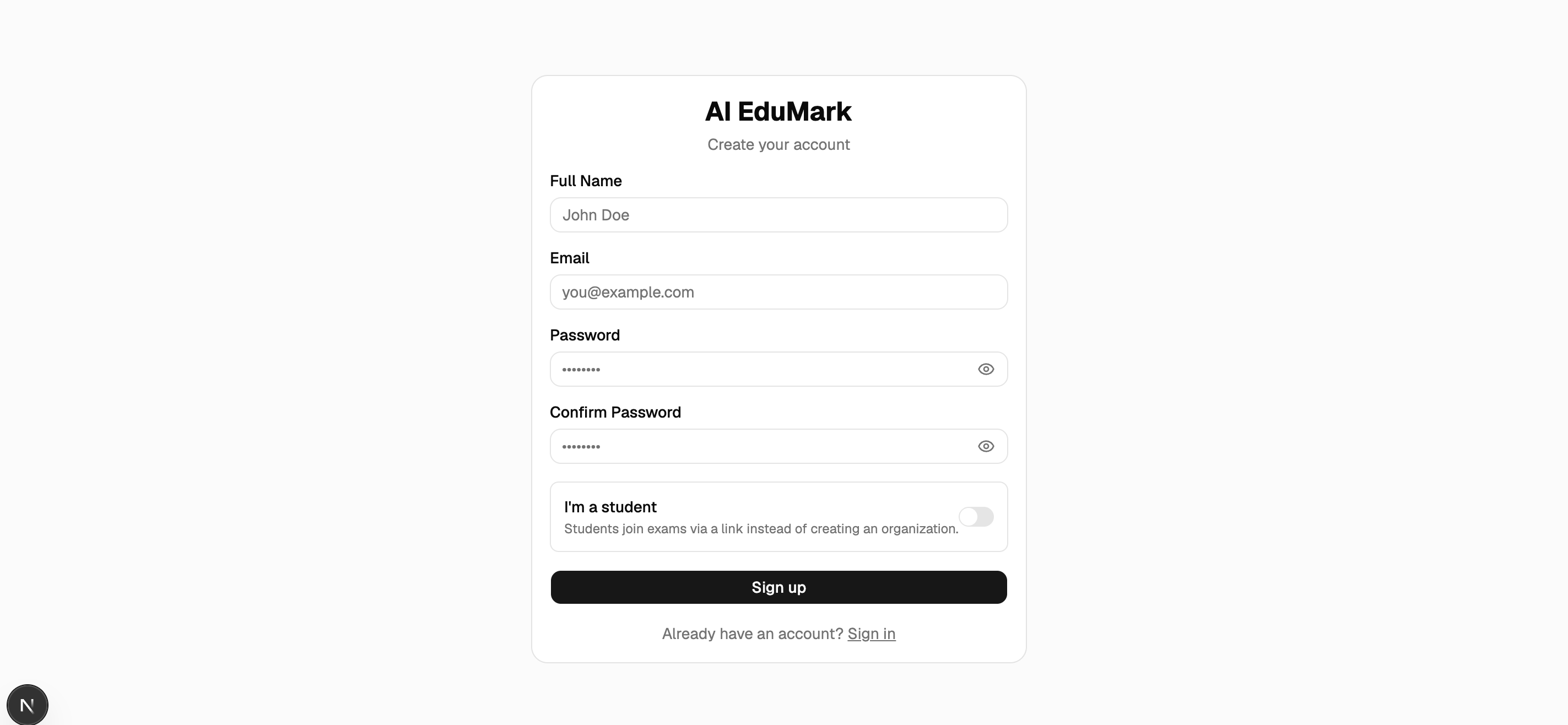
The system, up close
Real captures from the running system — the demo, screenshots and architecture come first, then the deep dive.
Demo
Walkthrough of the full pipeline: exam creation, answer sheet upload, AI evaluation, teacher review, and student marksheet view.
Demo covers exam creation, student enrollment, sheet upload, preprocessing, AI marking, review, and marksheet generation.
Screenshots
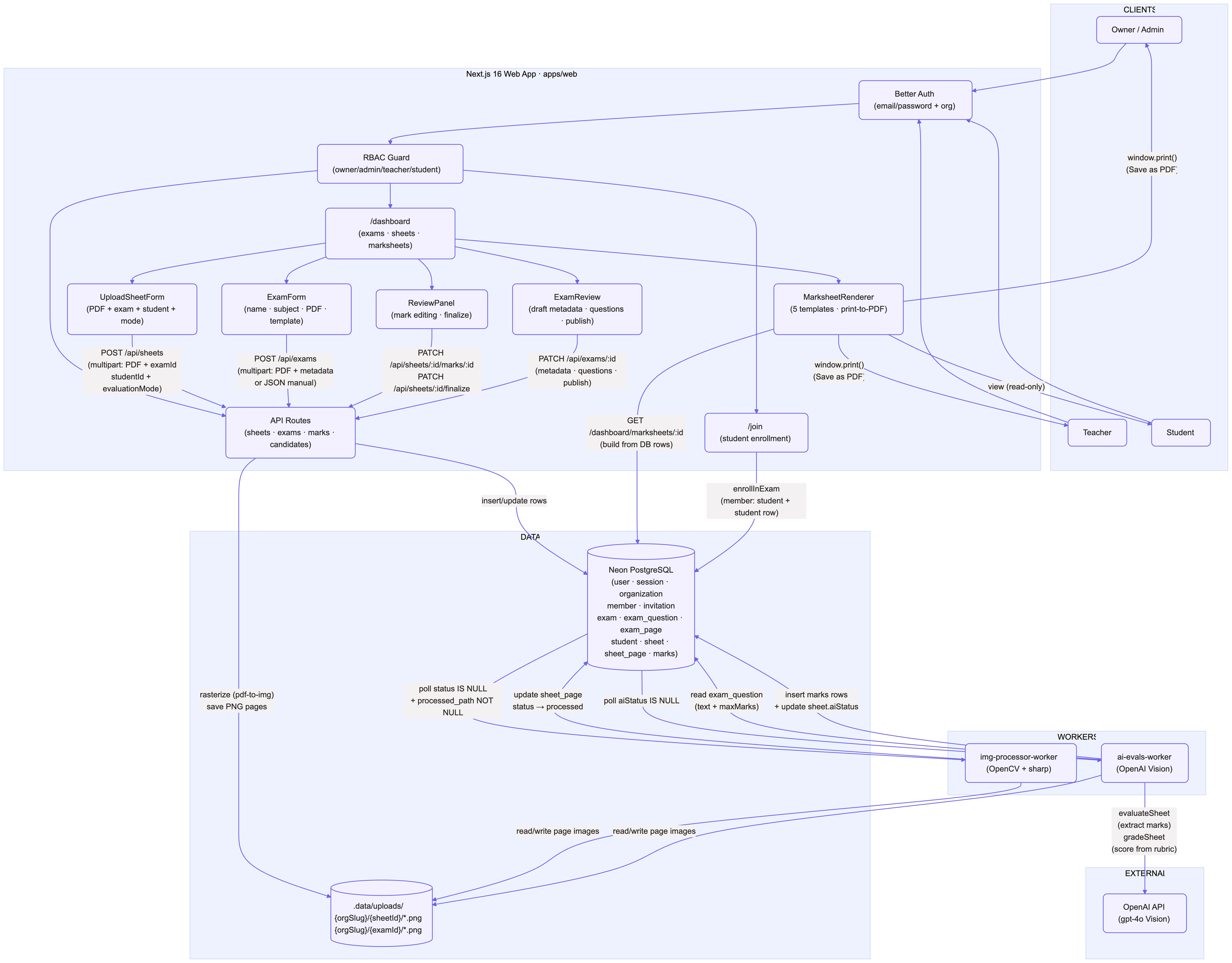
Architecture
Why this needed to be built
Manual answer sheet evaluation is slow, inconsistent, and error-prone — teachers spend hours scanning, reading, and tallying marks for hundreds of students per exam.
Schools need a way to automate marking while keeping a human in the loop for verification, with full RBAC so students only see their own results and teachers manage their own exams.
What we built, and how it changes the workflow
We built a Turborepo monorepo platform that rasterizes uploaded answer sheets, preprocesses images with OpenCV.js, evaluates answers with an OpenAI vision model, and presents a review UI for teachers to verify and finalize marks — with role-based access at every step.
A teacher uploads a multi-page PDF answer sheet for a selected student and exam. The server rasterizes it into per-page PNGs, then a background image-preprocessing worker cleans, deskews, and quality-checks every page using sharp and OpenCV.js (WASM).
An AI evaluation worker picks up processed pages, sends them to an OpenAI vision model via Vercel AI SDK with a constrained Zod schema, and produces structured candidate marks with confidence scores. Teachers review, edit, and finalize results through a dedicated review UI — students see only their own published marksheets.
Core design principle
- Human-in-the-loop: AI produces candidate marks, but a teacher must review and approve before any result is published.
- Defense in depth for access: Better Auth + RBAC (owner/admin/teacher/student) enforced at middleware, API, and UI layers.
- No fabrication: the AI model is instructed to return null for uncertain answers rather than guessing.
What it can do
A focused set of capabilities that define the system — no marketable filler, only what actually runs.
Answer sheet upload
Single-PDF upload per student per exam, rasterized into per-page PNGs at upload time.
Image preprocessing
Background worker: EXIF rotate → perspective correction (OpenCV.js) → denoise → normalize → sharpen → quality checks.
AI evaluation
OpenAI vision model reads preprocessed pages and produces per-question marks with confidence scores via constrained output.
Human review UI
Teachers see detected student, source images, candidate marks with confidence, and can edit before finalizing.
Exam management
Create exams with question papers, generate join links, and enroll students via RBAC-gated workflows.
Question paper extraction
Upload a scanned question paper PDF and extract questions automatically with OpenAI vision.
Student marksheet view
Students see only their own published marksheets with per-question breakdowns.
Multi-tenant RBAC
Four roles (owner/admin/teacher/student) with org-scoped data isolation via Better Auth.
The end-to-end workflow
The system processing path, in order.
- 1
Teacher creates exam
Defines exam name, subject, questions (manual or extracted from a PDF), and publishes.
- 2
Student joins exam
Uses a join link to enroll as a student in the organization.
- 3
Teacher uploads sheet
Picks exam + student, uploads one multi-page PDF. Server rasterizes to PNGs.
- 4
Image preprocessing
Background worker deskews, denoises, sharpens, and quality-checks every page.
- 5
AI evaluation
Vision model reads pages and produces per-question marks with confidence scores.
- 6
Teacher reviews
Reviews detected student, source images, and candidate marks. Edits if needed.
- 7
Finalize & publish
Approves the sheet — marks become visible to the student on their marksheet.
Stack & tech choices
- Framework
- Next.js 16 (App Router), React 19, TypeScript
- Monorepo
- Turborepo
- Auth
- Better Auth, email/password + organizations, custom RBAC
- Database
- PostgreSQL (Neon), Drizzle ORM
- Styling
- Tailwind CSS v4, shadcn/ui
- Image processing
- sharp (denoise/normalize), OpenCV.js (WASM perspective correction), pdf-to-img (rasterization)
- AI marking
- OpenAI vision model, Vercel AI SDK (generateObject), Zod constrained output
- Workers
- img-processor-worker (poll loop), ai-evals-worker (poll loop)
Tested, verified and honestly scoped
Validation & tests
End-to-end tested across upload, preprocessing, AI evaluation, review, and finalization flows with RBAC enforcement at every layer.
- Upload — PDF rasterization, per-page PNG generation, file storage, and sheet/page record creation
- Preprocessing — perspective correction, denoise, sharpen, quality checks with issue tagging
- AI evaluation — structured mark extraction with confidence scoring and needsReview flagging
- Review — teacher can view source images, edit marks, and finalize sheets
- Student view — ownership-checked reads, only completed sheets visible
- RBAC — unauthorized access blocked at middleware, API, and UI layers
Security & hardening
- Better Auth with org-scoped sessions and role-based permissions
- Middleware redirects unauthenticated users; server helpers guard pages
- API routes check permissions via auth.api.hasPermission
- Student reads gated to their own student rows only
- No secrets in code — all credentials in environment variables
Honest limitations
AI EduMark is an internally developed engineering prototype. We state limitations rather than overclaim production readiness.
- Single-PDF upload per sheet (no batch upload yet)
- Local filesystem storage (not cloud-backed in MVP)
- AI marking accuracy depends on scan quality
- No mobile app — web only
Deep-dive references
Documentation
Technical documentation covering system design, database schema, and permission model.
Where this can go next
Realistic next steps we've scoped — not aspirational marketing copy.
- Batch upload — multiple students per exam in one upload
- Cloud storage (S3/R2) for uploaded sheets
- Configurable AI marking rubrics per subject
- Parent/guardian portal for marksheet access
- Mobile app for teachers and students
- Analytics dashboard for exam performance trends
- Integration with school management systems
Have a similar workflow?
Zenera Labs can build a custom version for your business.
This is one of subhraneel's internally developed systems. Tell us about your requirement and we'll scope a tailored build around it.
Other systems we've built internally
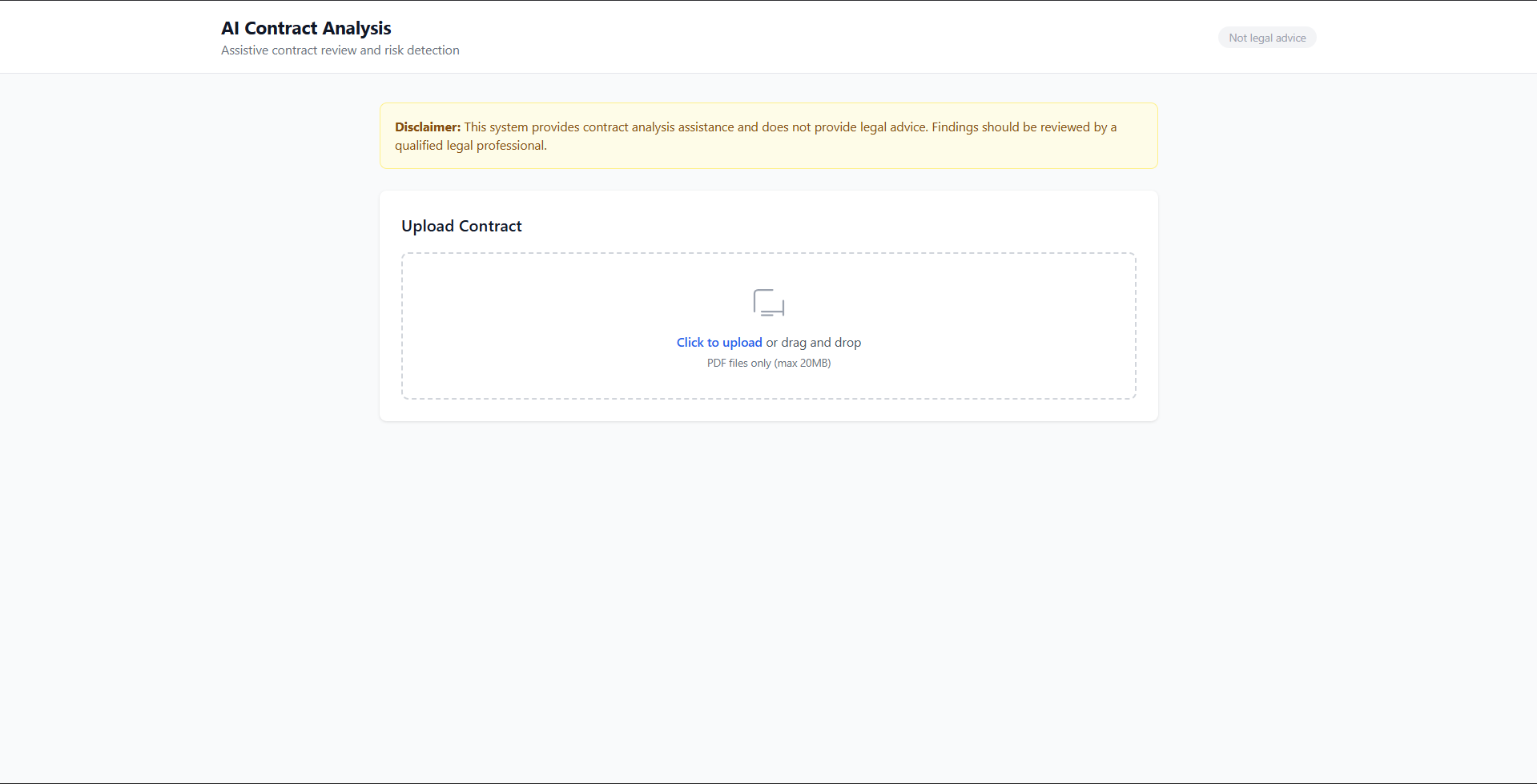
AI Contract Analysis & Risk Detection
Faster document review with traceable evidence — upload a contract and get risk findings with source-verified citations.
naman · Engineering Portfolio
View case study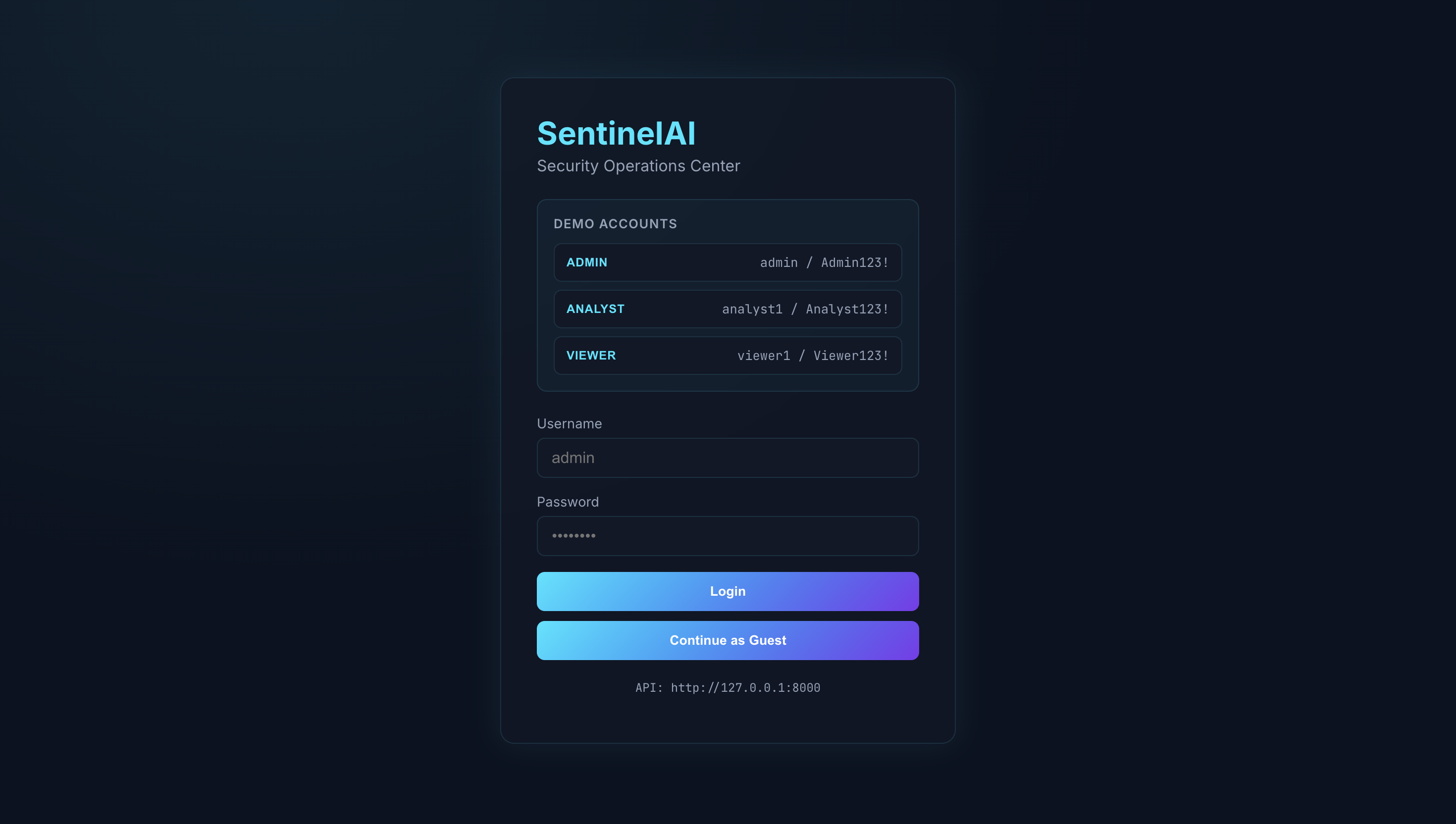
SentinelAI — Security Log Anomaly Detection
Risk-scored alerts from security events — a full-stack Mini-SIEM with ML detection, attack-chain correlation and explainable alerts.
pragna · Engineering Portfolio
View case study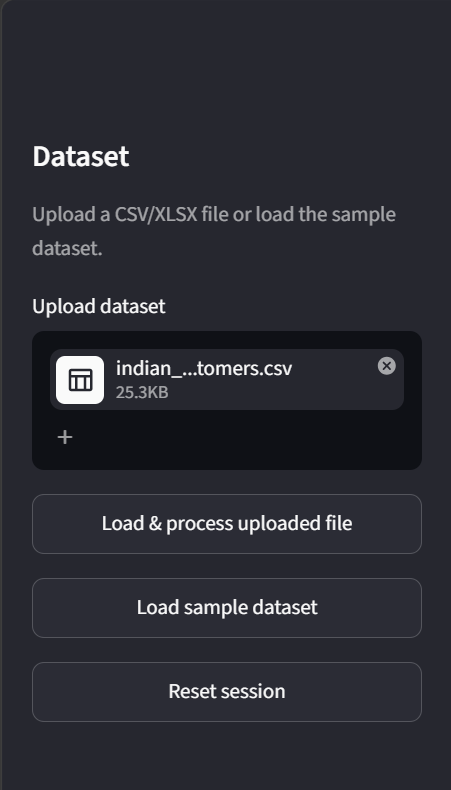
AI Data Analyst & Business Intelligence Agent
Evidence-grounded business intelligence from spreadsheets — upload CSV/XLSX, get analysis, visualizations and explained answers.
priyanka · Engineering Portfolio
View case study